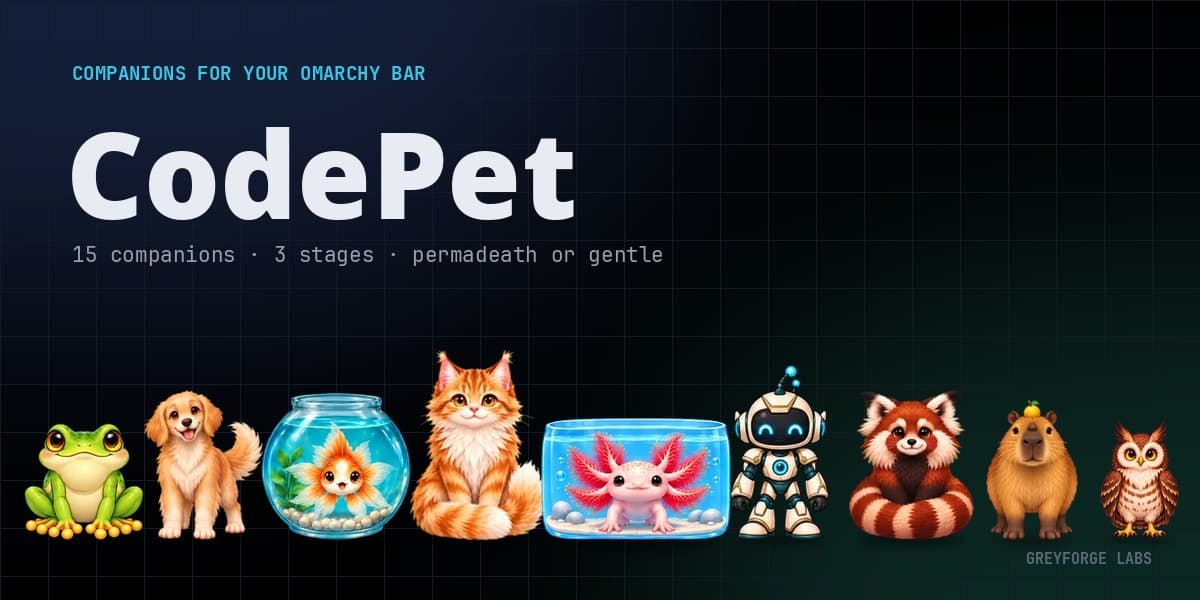
A treat for finished work
Open Helpers to connect Claude Code, Codex, Grok, OpenCode or Hermes. CodePet observes local activity signals and shows when a connected app is working, waiting for you or finished. Each connection is optional.
Qualifying completed turns can earn a treat. The jar holds ten; tap Treats when you want to give one to your pet. That moment grants the XP, so you choose when to celebrate the work.
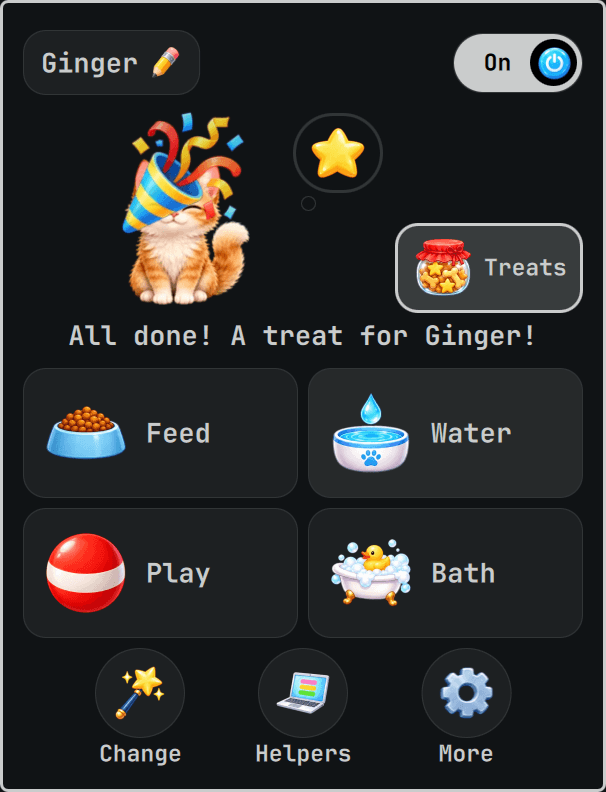
Care you can see
Click the pet in the bar or on your desktop to open Home. Four big painted buttons put Feed, Water, Play and Bath within reach. Ginger gets a bowl, a water drop, a play ball and a bubbly bathtub, with a short line above them explaining what is happening.
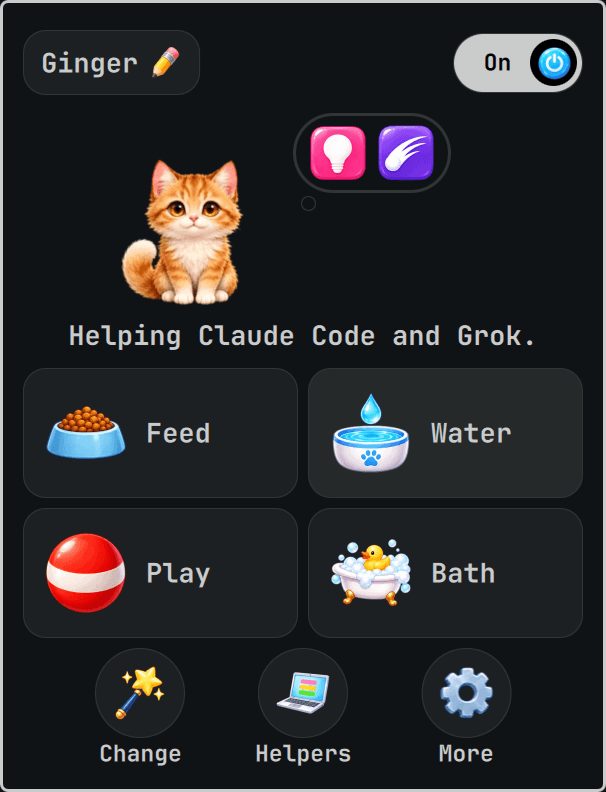
Helpers opens the app connections. More holds Calm, bedtime, Help and Memories. The desktop pet opens the same Home card as the bar, so its care controls are always in the same place.
Fifteen companions, three stages each
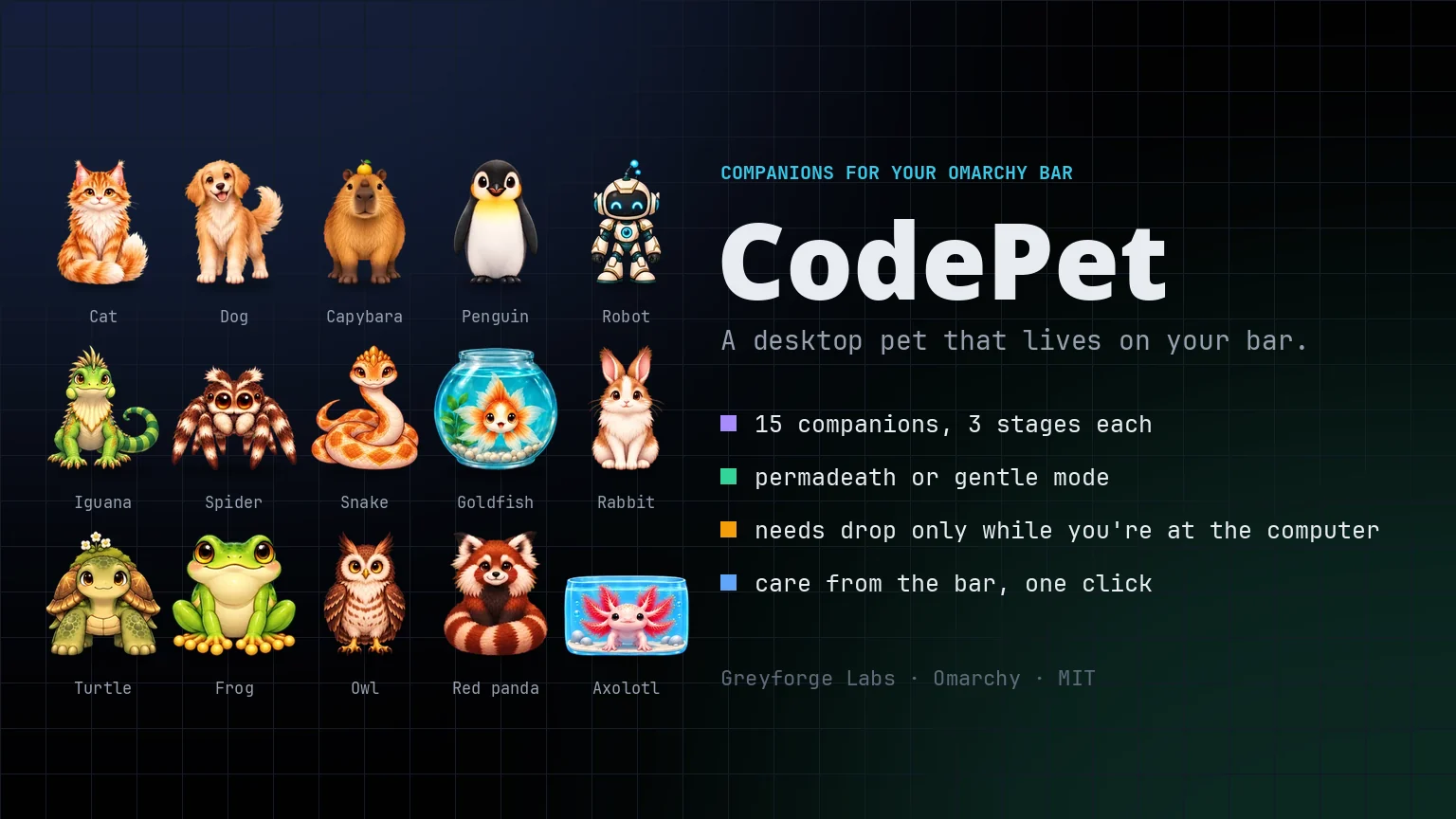
Choose a cat, dog, capybara, penguin, robot, iguana, spider, snake, goldfish, rabbit, turtle, frog, owl, red panda or axolotl. Each has a name and its own growth stages. Ginger begins as a Pounce Kit, becomes a Desk Prowler at level 2 and a Maned Inspector at level 4. Quill the owl grows into a Grand Night Librarian.
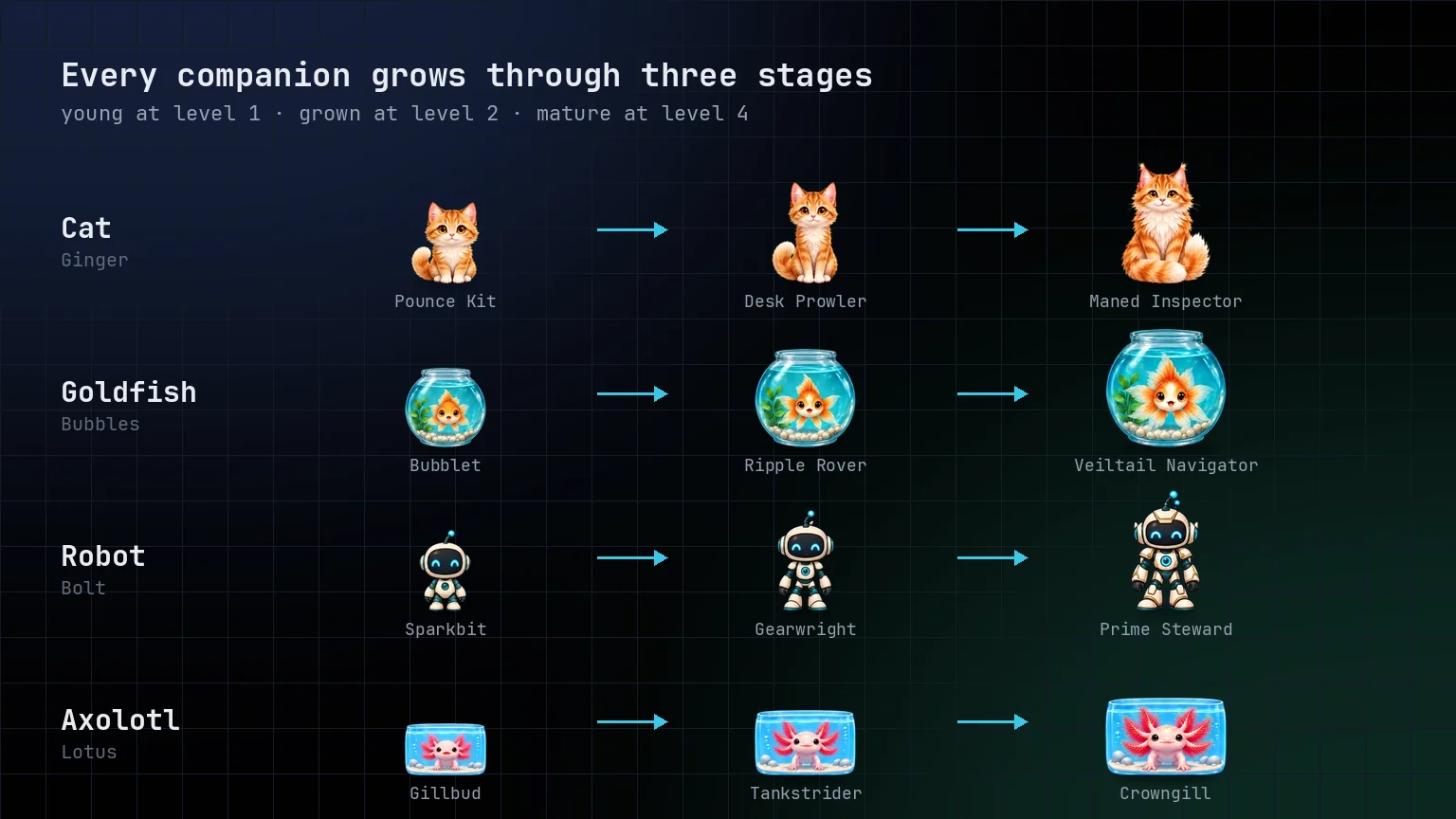
The Change button lets you try another look while keeping your care and growth. Memories records arrivals, growth and recoveries along the way.
Gentle from the first tap
Pick a pet and tap Let’s go. Gentle is the default: care can bring your companion back if it faints. The care clock counts time at the computer and pauses while you are away. Optional Hardcore rules live in Help and require typing your pet’s name.
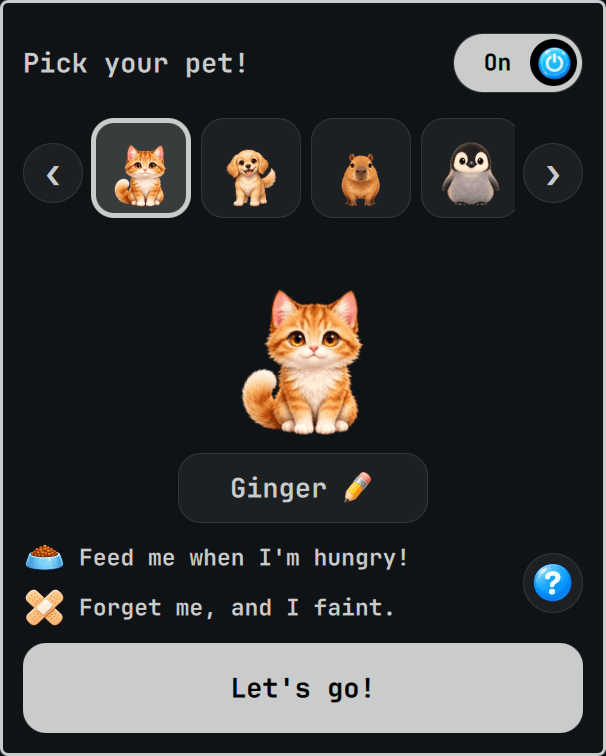
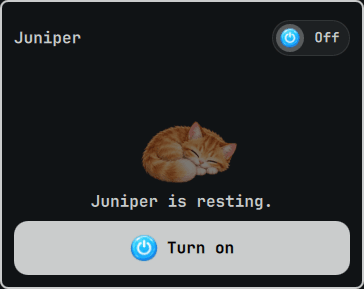
The On switch stays at the top of Home. Turn it Off to freeze care and close the desktop pet. The bar keeps a place for your companion, ready for Turn on when you want to return.
Install on Omarchy
CodePet 0.3.0 is free and MIT-licensed, built with Rust and QML. The Linux x86_64 release includes the program, pet art and Omarchy installer. It runs with Omarchy 4, Quickshell 0.3.1 and qt6-imageformats.
Download codepet-0.3.0-x86_64-linux.tar.gz and SHA256SUMS from the GitHub release, then run these commands in the download directory:
sha256sum -c SHA256SUMS --ignore-missing
tar xzf codepet-0.3.0-x86_64-linux.tar.gz
cd codepet-0.3.0-x86_64-linux
packaging/omarchy/install.sh --dry-run
packaging/omarchy/install.sh
The README covers the requirements, app connections and uninstall steps. After installation, click the pet in the bar and choose who is coming to work with you.