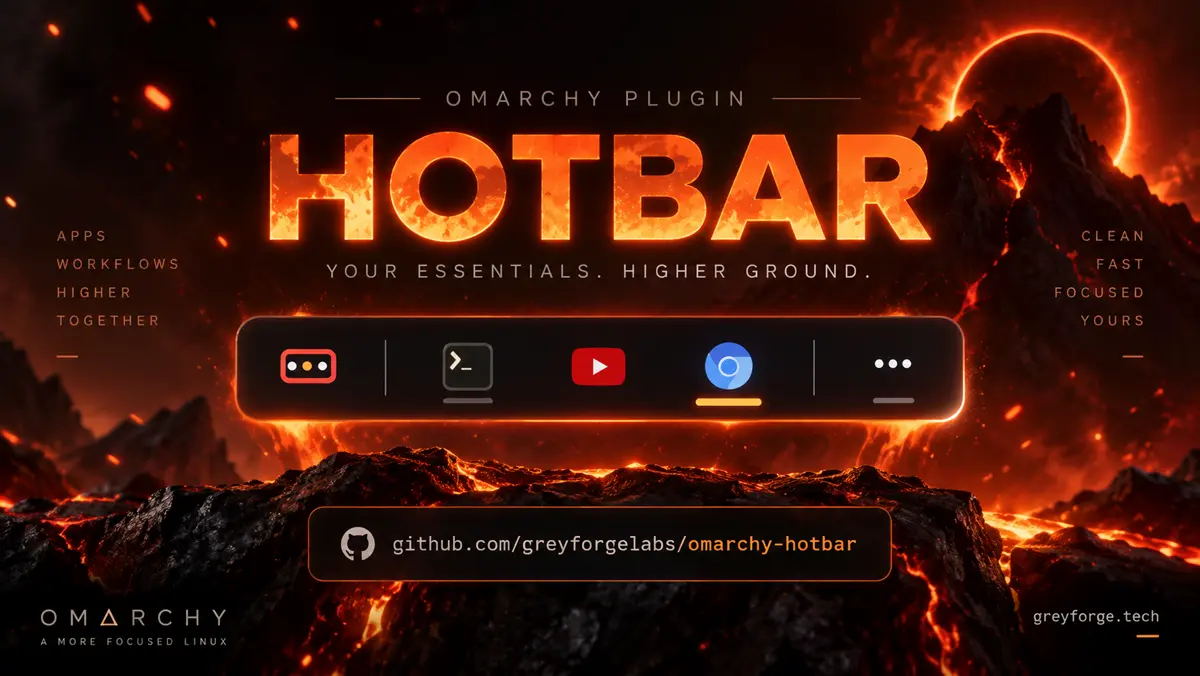
A good desktop gets out of the way. A bar that keeps rearranging itself does the opposite. HOTBAR gives Omarchy a little more order: your pinned apps stay in fixed slots, whether they have zero windows open or twenty.
Places puts folders, favourites, drives, and Trash within reach. Everything you haven't pinned goes into one Running drawer, along with any pin that doesn't fit. The panel stays within its space budget while you get on with the work.
Click to launch or focus, scroll to cycle windows, hover for previews. Keyboard navigation works inside the menus, and settings apply immediately. It feels like a small addition until you stop hunting for the same app all day.
HOTBAR is free, MIT-licensed, and built for Omarchy 4. Grab it on GitHub, follow the two-step install in the README, and give your windows a permanent address.